




Royalstiger Casino App
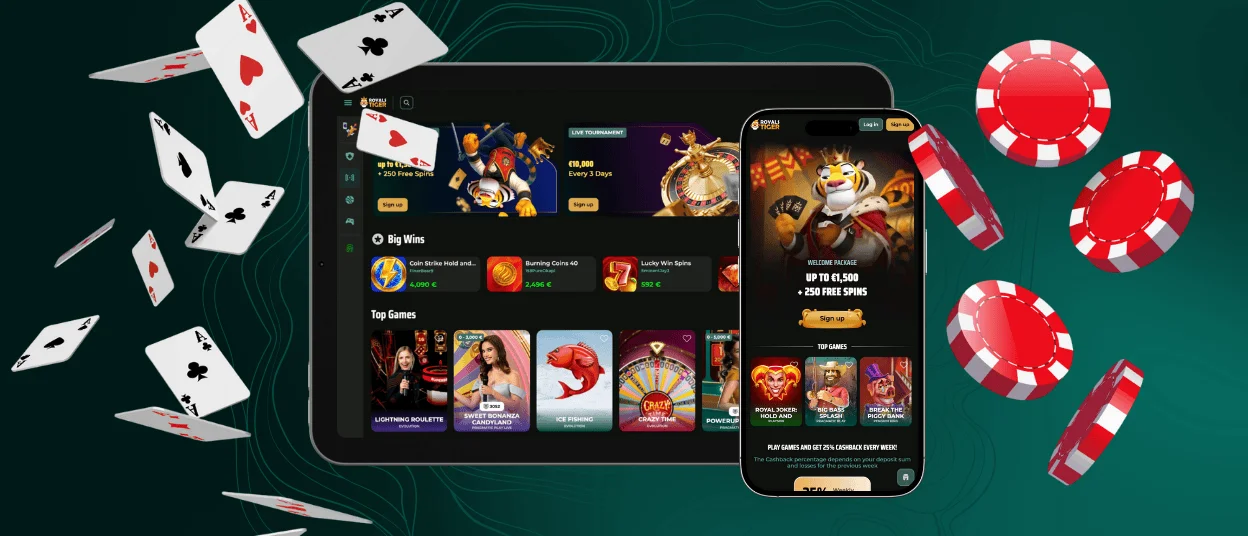
Royalstiger app is a mobile version of the casino that runs in your browser on Android and iOS. It uses the same account as desktop and works through a home-screen shortcut.
On mobile, we adapt the lobby for touch control and smaller screens, so navigation stays clear during real play. The main sections keep the same structure, so you can move between games, promotions, and account tools without relearning the layout. Royals Tiger also keeps your balance, favourites, and active offers linked to one profile, so switching devices does not break your progress. You don’t need an App Store or Google Play download. The shortcut runs as a PWA (Progressive Web App) and opens in an app-style view with automatic updates through the web version.


Key Features of the Royalstiger App
Royalstiger mobile gives you a more practical way to play when you don’t use a computer. The mobile version focuses on faster access and easier control when you play from a phone. The mobile layout places key actions close to your fingers and cuts down unnecessary steps compared to desktop browsing.
A small screen needs quick access. Royals Tiger keeps the lobby compact, so you move between sections with fewer taps. You can open games, return to the lobby, and move to account tools without losing orientation.
Mobile also helps when you manage quick tasks during the day. You can check active offers, switch language, or review basic account options in a few taps. The interface stays readable in both portrait and landscape mode, which makes browsing smoother on different devices.
| Mobile advantage | What it gives you in practice |
| Home-screen shortcut (PWA) | Open Royals Tiger in one tap without searching for the site each time. |
| App-style full-screen view | Hide most browser elements and keep more space for the lobby and game screen. |
| Touch-first navigation | Use large tiles, clear spacing, and simple menus that work well on small screens. |
| Quick resume | Return to the last page or section after you reopen the shortcut, so you continue faster. |
| Portrait and landscape support | Let the interface adapt to the way you hold your device during a session. |
| Easier payment confirmation on the same device | Confirm a card payment in your bank flow or approve a wallet transfer, then return to the Cashier without switching devices. |
This mobile format suits short sessions and on-the-go play. The shortcut runs as a PWA, so you get app-style access without an App Store or Google Play download.
Royalstiger App for Android
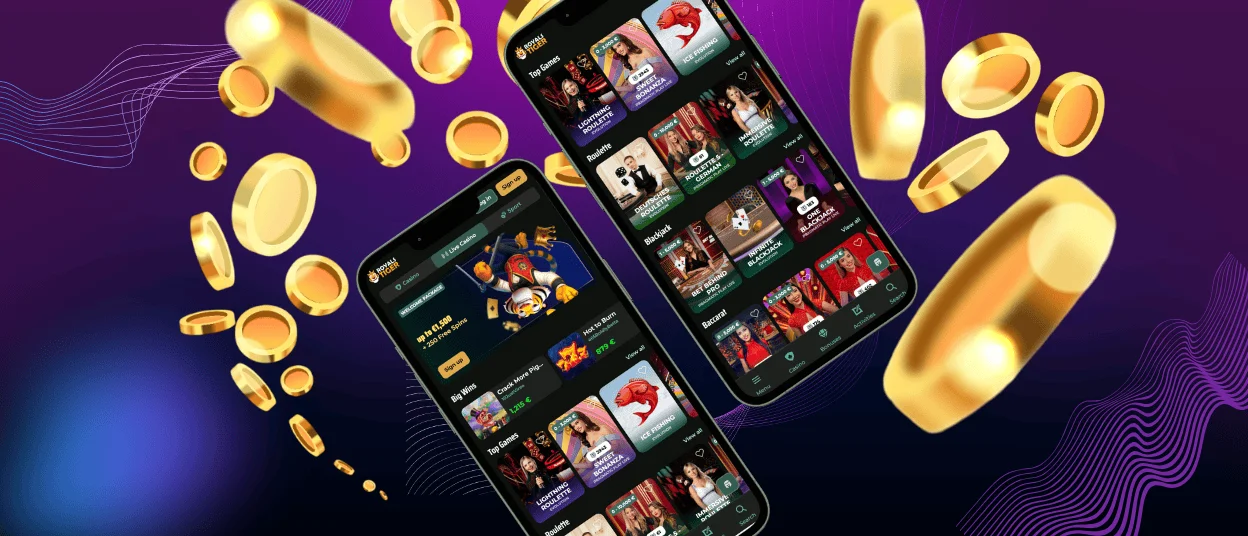
On Android, Royalstiger runs directly in your browser and gives you app-style access through a home-screen icon. You use the same account as on desktop, so your balance, favourites, and active offers stay linked. This setup updates through the web version, so you don’t need a separate Royalstiger APK for normal play.
How to add Royals Tiger on Android (PWA):
- Open the official website in Chrome (or another modern browser)
- Tap the three-dot menu in the top corner
- Select Install app or Add to Home screen
- Confirm the name and add the shortcut
- Launch the casino from the new icon
Install only through the prompt on the official website. Avoid third-party app files and copied links. Keep Android and your browser updated, use a screen lock, and log out after play on shared devices.
Royalstiger App for iOS
On iPhone and iPad, the casino runs in Safari in a mobile layout, so you can play without an App Store download. The interface uses touch-friendly buttons and larger game tiles, which makes browsing comfortable on a small screen. Your account stays the same across devices, so balance, favourites, and active offers remain synced when you switch between mobile and desktop.
For quicker entry, you can add a home-screen shortcut. iOS then opens the site in a clean, app-style window with fewer browser elements, which helps you stay focused during a session. On iPad, the bigger display shows more tiles at once, especially in landscape mode, so the lobby feels easier to scan.
How to add Royals Tiger app on iOS as a PWA:
- Open the official site in Safari
- Tap the Share icon (square with an arrow)
- Select Add to Home Screen
- Confirm the name and tap Add
Royalstiger on Windows and macOS
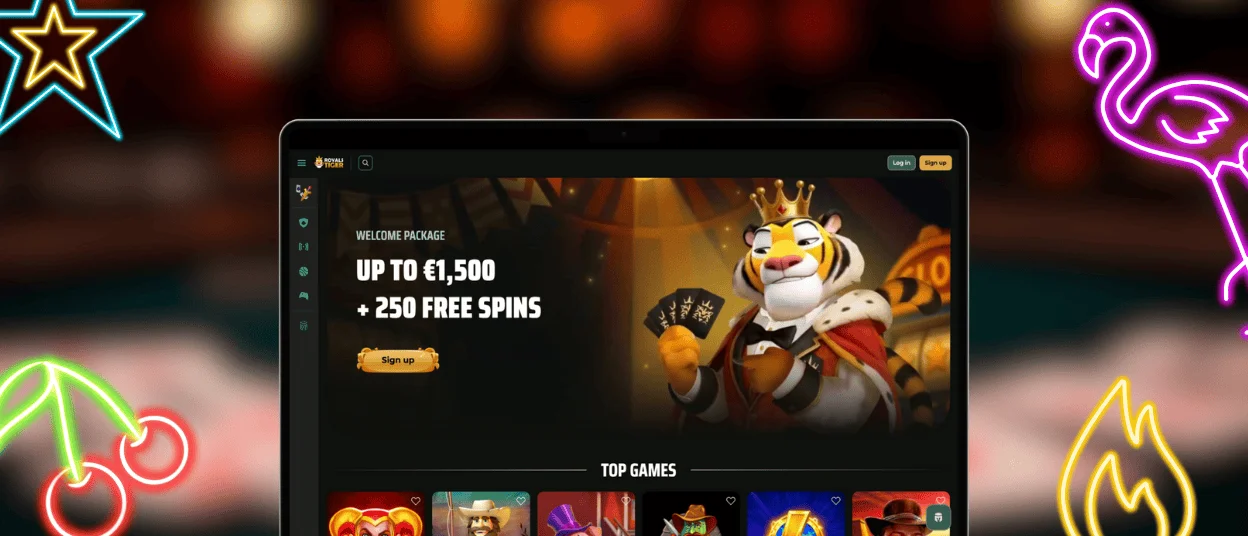
On Windows and macOS, you can use the full platform in a modern browser, so you don’t need a separate desktop program. Updated Chrome, Edge, Firefox, or Safari give stable access to the lobby, account tools, and the cashier. A larger screen also helps with navigation. You see more game tiles at once, and filters feel easier to use with a mouse. This setup suits players who prefer a clear overview and steady control during longer sessions.
Desktop play also works well for live tables, since a bigger display makes streams and table details easier to follow. A stable Wi-Fi connection is usually enough, and a wired connection can feel even steadier for longer streams.
For faster access, add a shortcut and open the site in an app-style window. In Chrome or Edge, open the menu and choose Create shortcut or Install app if the option appears. On Windows, place the icon on the desktop or pin it to the taskbar. On macOS, add it to the Dock or keep a shortcut on the desktop for one-click entry.
Frequently Asked Questions (FAQs)
Does the shortcut take storage space on my phone?
The shortcut itself uses very little space because it works like a link to the mobile site. Your phone may store some browser data, such as cached images and game files, to load pages faster. You can clear this data in your browser settings at any time without affecting your account, balance, or history.
Do I need a new account to use the mobile version?
The mobile version uses the same account as the desktop site. Sign in with the email and password you already created, and keep one profile across devices.
Your balance, favourites, and active offers stay linked to that profile, so switching between phone, tablet, and computer does not require a new registration or a second wallet.
What is the difference between opening the site in a browser tab and opening it from the shortcut?
Both options open the same platform with the same games, cashier, and account rules. A browser tab runs inside your normal browsing session and shows the full address bar and browser controls. The shortcut opens the site in a cleaner, app-style window with fewer browser elements, which makes the screen feel less crowded on mobile. The shortcut can also reopen faster because it keeps basic files saved in the browser cache, while still using the current web version.
Is it safe to play on mobile data or public Wi-Fi?
We protect sessions with encrypted connections, so login and cashier actions do not travel as open text on mobile data or Wi-Fi. This protection works the same way on phones and tablets, and it helps keep your account actions private during normal use.
Public Wi-Fi still carries higher risk because other people share the network. Use mobile data or a trusted network when you can. Don’t save passwords on shared devices.
Can I stay logged in on more than one device at the same time?
You can use the same account on mobile and desktop, but the system may limit or reset a session when it detects two active logins at once or unusual activity. This rule protects your account and helps prevent unauthorized access. If you get signed out, log in again and continue with the same balance and settings.


